Inspiration Software Embroidery Software for Everyone!
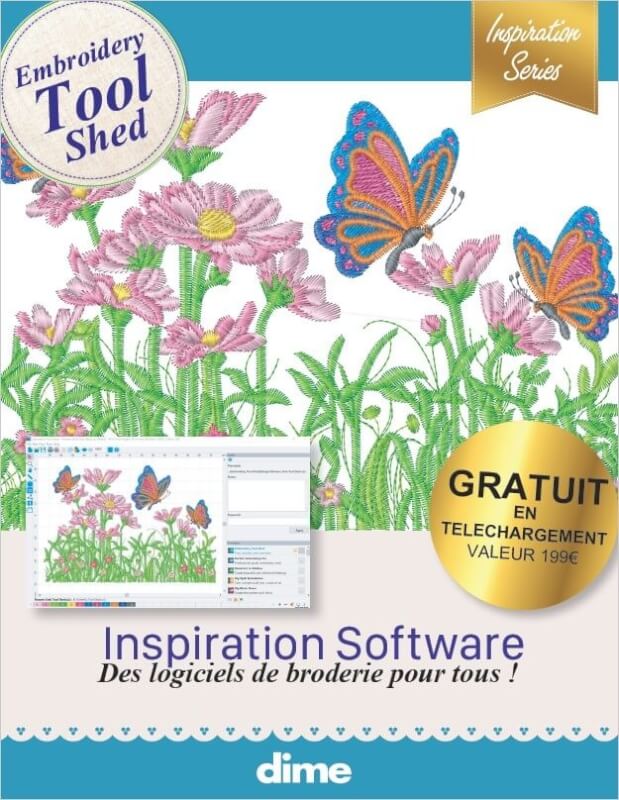
Inspiration Software for Everyone. Get started today with The Embroidery Tool Shed!
Software Features
- Read and write popular formats
- Resize designs
- Cut, Copy, Paste
- Rotate and Mirror
- Re-colorize designs
- Print templates with image, color sequence and cross hair
- Convert colors between brands
- Design Analyzer
- Stitch Sequence Simulator
- Zoom, Pan, Realistic viewing options
- View Stitch Ends, Commands
- Adjustable Viewing Grid
- View and Create Hoops
- Junk Stitch Filter
PC Windows 10, 64bit only
Processor: 1 gigahertz (GHz)* or faster with support for PAE, NX, and SSE2 (more info)
RAM: 4 GB (64-bit)
Hard disk space: 500 GB
Graphics card: Microsoft DirectX 11.3 graphics device with WDDM driver.
Inspirations Software runs only on a PC, not through an emulator.
MAC systems (desktop or laptop only) :
- MacOS version 13.6.5 (Ventura)
- Processor 1,4 GHz Intel Core i5 or above / processeur Apple M1 or above
- RAM 4 Go
- Disk storage : 500 Go
- Case insensitive file system only
These requirements are highly dependent on Apple Support. Please, keep your Mac up to date as much as possible.
An internet connection is required for installation and usage of the software.
The software is in English by default. To change the language to your preference (if available) :
1- Click the “Tools” menu
2- Click the “General Options” item inside this menu.
3- In the “General Options” window which will appear, choose you language from the list at the bottom.
4- Click “OK“.
5- A message will alert you that you need to restart the software. Do it now.
For further help about how to use your software, refer to the general manual (“Help” menu).
 LOGICIELS BRODERIE MACHINE





 Maximum embroidery area of your machine :
 Chosen size :